Search
Type the name of a chord, a scale, a strumming pattern or a style, like C, C7C7C7C7, samba or ii-V-I. Results show up as you type, and each one opens the page with the diagram, the notes and the sound. It works in the browser, with nothing to install.
Search needs JavaScript. Meanwhile, browse by style and instrument. Or browse the styles.
How to use it
- Type the name of a chord, a style or a strumming pattern, like C, C7 or samba.
- Results show up as you type, with no need to press Enter.
- Tap a result to open the page of that chord, style or pattern.
What it is for
Search takes you straight to what you need in the middle of practice, without clicking through menu after menu.
- Recalling a chord shape in the middle of a rehearsal.
- Finding the strumming pattern of a style before playing a song.
- Opening a progression, like ii-V-I, to study the sequence.
In the app: Search Chord
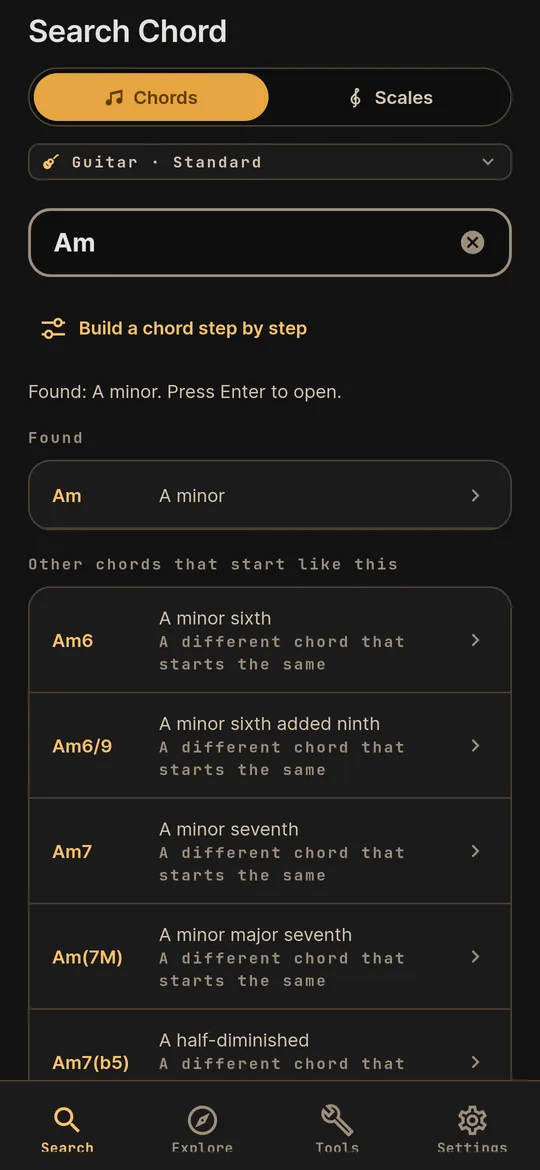
On your phone, search finds chords and scales by name and opens the result on the neck of the instrument you picked.
- Chords and scales. Two tabs in the same search: type a chord symbol or the name of a scale.
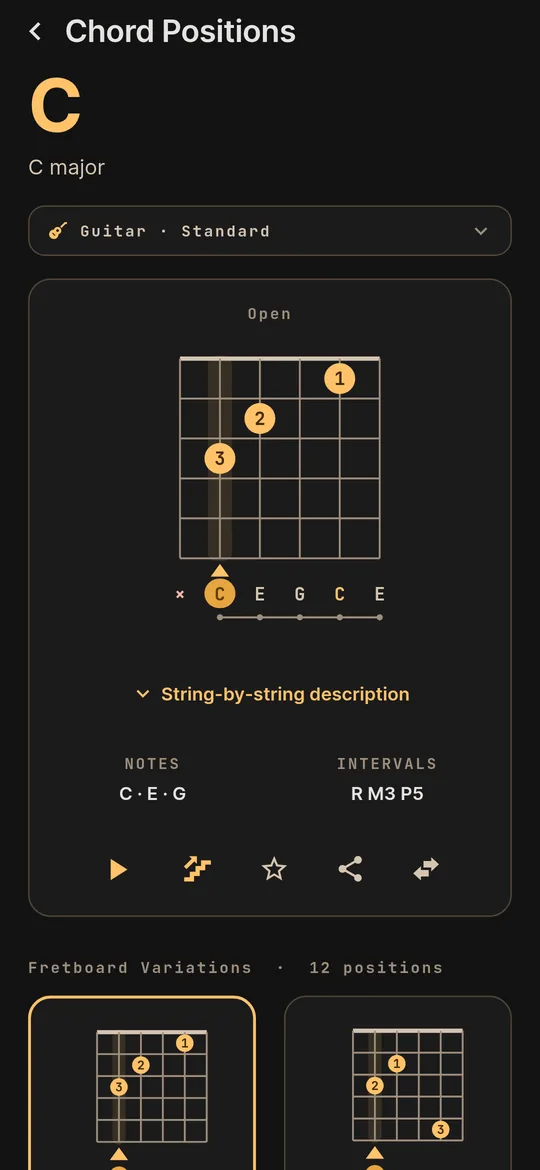
- From the name to the neck. Each chord opens the diagram, notes, intervals and the other positions on the neck.
- Hear it before you play. Tap the diagram to hear the chord.
- On your instrument. Search follows the instrument and tuning picked at the top of the screen.